Software Engineering for AI
Write Python code that another person can understand, test, change, and run. Apply these habits to software, data analysis, computer vision, and AI projects throughout Core Systems.
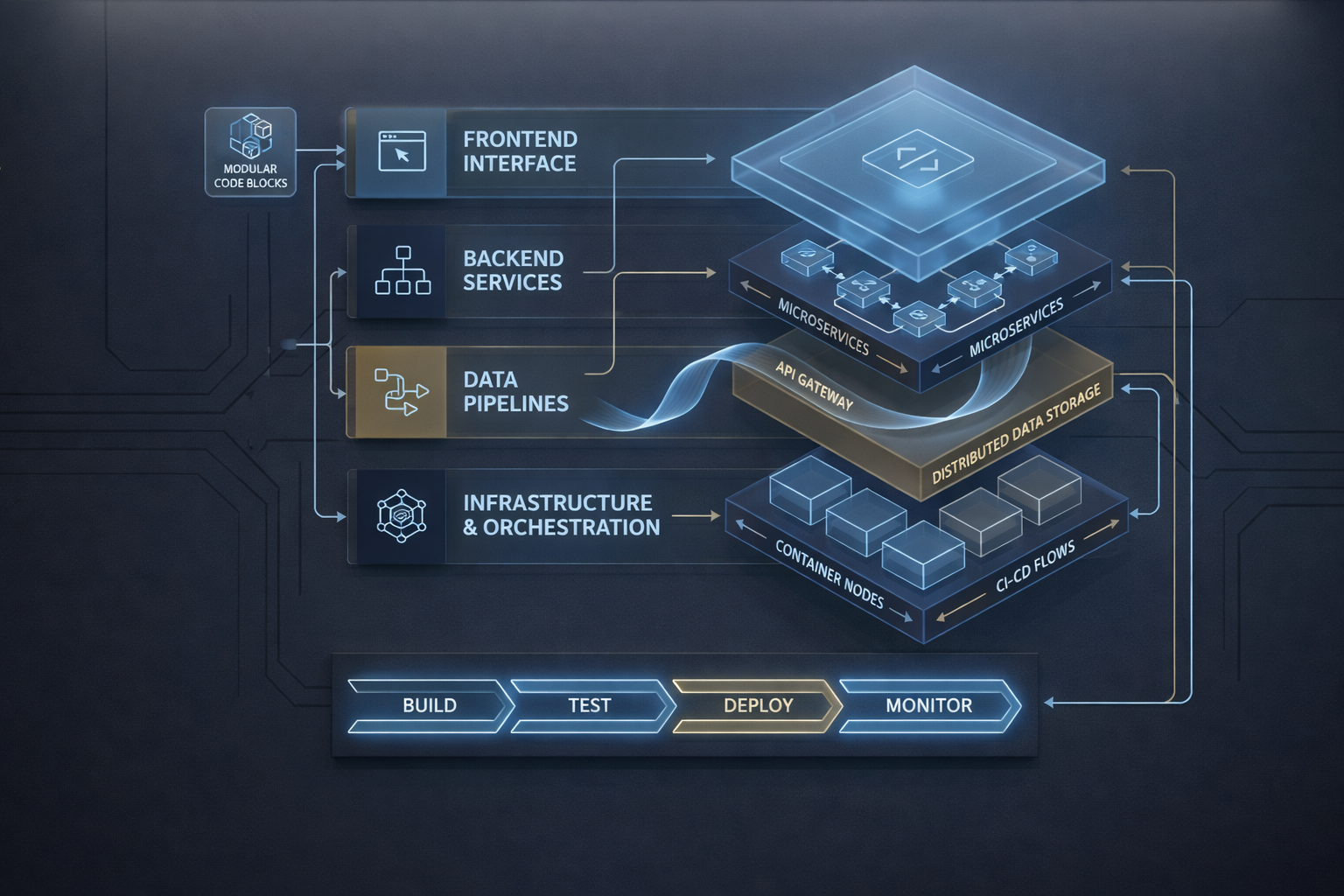
Write maintainable code
Use clear names, focused functions, and simple module boundaries.
Verify and improve behavior
Test useful cases, diagnose failures, and refactor safely.
Make your work usable by others
Document setup, submit reviewable changes, and respond to feedback.
1. Readable Python
Make the purpose and behavior of your code easy to follow.
Before you start: Engineering Fundamentals Python, Git, terminal, environments, and debugging skills.
Learn
- Choose meaningful names and write functions with a clear responsibility.
- Make inputs, outputs, assumptions, and side effects explicit. Avoid hidden dependencies on global state or notebook execution order.
- Use comments to explain decisions and docstrings to describe how to use a function.
- Read simple classes: instances, attributes,
__init__, and instance methods. Recognize when state belongs together in an object and when a function is sufficient.
Resources
Carpentries — Python Code Style Conventions
Required. Focus on naming, readable layout, comments, and docstrings; apply the ideas to your code.

Harvard CS50P — Object-Oriented Programming
Required, selected scope. Video and worked examples. Use the introductory classes, instance variables, __init__, and instance methods material. Later sections on decorators, class methods, inheritance, and operator overloading are further reading.
Practice
Choose one small project and keep improving it throughout the module. Start with an existing script or notebook, or build a small file-processing task if you need a starting point.
| Your direction | Example project |
|---|---|
| Software engineering | File processing or input-validation utility |
| AI / ML | Dataset validation or preprocessing helper |
| Computer vision | Image-loading, resizing, and input-checking utility |
| GenAI | Parser and validator for saved structured responses |
| Data science | Data-cleaning and aggregation workflow |
Clarify its inputs and expected outputs. Improve confusing names, extract a focused function, and document an important assumption. Explain a simple class from the teaching examples, including the state it stores and what a method changes.
Expected output
A small working project with understandable functions and documented behavior. You can explain its control flow and the difference between a function and an instance method.
2. Testing and debugging
Check behavior deliberately and use failures to find the cause of a bug.
Before you start: your working project from section 1.
Learn
- Distinguish a unit test from a small integration test that checks connected parts.
- Use pytest to express expected results and expected exceptions.
- Choose normal, boundary, and invalid-input cases from the code's intended behavior.
- Use fixtures when setup is shared and parametrization when the same rule needs several examples.
- Reproduce a failure, inspect the relevant state, fix the cause, and retain a regression test.
- Validate inputs and handle expected failures clearly. Preserve useful error context rather than silently continuing.
Resources
Harvard CS50P — Unit Tests
Required. Video and notes. Follow the worked examples for assertions, pytest, and test organization.
Harvard CS50P — Refueling
Required. Complete the local implementation and tests, including checking that a deliberately incorrect version fails. External submission is not required.
freeCodeCamp — Testing in Python with Pytest
Required, selected scope. Video course. Use the Fixtures chapter and the parametrization material in Mark & Parametrize. Other chapters are further reading.
Carpentries — Diagnosing Issues and Improving Robustness
Required, selected scope. Worked tutorial. Focus on Corner or Edge Cases and Defensive Programming. Use the debugger walkthrough as a refresher.
Practice
Apply the testing approach to your project. Cover ordinary behavior, a meaningful boundary, and a realistic failure. Add a small integration test for its main flow. Use fixed sample inputs so tests run predictably and independently of live services.
Find or deliberately introduce a realistic bug. Show a failing test, diagnose the cause, and demonstrate the fix.
Expected output
A repeatable test command, tests that check meaningful behavior, and a regression test that catches the demonstrated bug. You can explain what the suite checks and what it leaves unchecked.
3. Refactoring and project structure
Improve the structure of working code while preserving its intended behavior.
Before you start: a working version and baseline tests from section 2.
Learn
- Separate input/output operations from transformations or calculations.
- Group related logic into modules with understandable interfaces.
- Reduce duplication and long functions through small, justified changes.
- Distinguish a structural refactor from an intentional behavior change.
- Use existing tests and representative outputs to check that a refactor preserves behavior.
Resources
Carpentries — Code Decoupling & Abstractions
Required, selected scope. Worked tutorial. Study the opening example separating data loading from analysis and complete an equivalent separation in your project. Later polymorphism and mock-object material is further reading.
Carpentries — Code Refactoring
Required, selected scope. Worked tutorial. Focus on Writing Tests Before Refactoring and Separating Pure and Impure Code. Use the examples as a guide for the task below; the full Carpentries course is not assigned.
Practice
Refactor your project in small steps. Separate reusable logic from file access, display, or other external interactions. Keep an obvious entry point and place tests separately from implementation code. If you use a notebook, make reusable logic importable from it.
Run the baseline tests after each meaningful change. Explain one structural decision and its tradeoff.
Expected output
A clear project structure, reusable logic, and evidence that the refactor preserved the tested behavior.
4. Collaboration and handover
Make a change that another person can review and a project they can run.
Before you start: your refactored project and test suite.
Learn
- Describe a bounded change and its acceptance criteria in an issue or pull request.
- Review a diff for correctness, clarity, test quality, and unintended changes.
- Give actionable feedback and revise your work after review.
- Record the Python version, dependencies, configuration, sample inputs, and commands needed to run and test the project.
- Recreate a usable environment using your chosen tool. Keep credentials outside committed code.
Resources
Carpentries — Code Review
Required, selected scope. Focus on pull requests, changes that are easy to review, and effective review comments.
Carpentries — Preparing Software for Reuse and Release
Required, selected scope. Focus on Documenting Code to Improve Reusability, including the README.
Dartmouth Libraries — Python Setup Tutorial
Further reading. Guided tutorial. Use the project-creation and existing-project walkthroughs if choosing uv. The guide also links to a pip + venv alternative. uv is optional; a documented workflow using pip + venv, conda, or another suitable tool is acceptable.
Practice
Submit a bounded change through a pull request with a short explanation and verification evidence. Review a peer's change and respond to feedback on your own. A mentor can act as reviewer when peer review is unavailable.
Write a README covering setup, dependencies, configuration, sample data, run and test commands, and expected output. Ask the reviewer to follow it in a fresh environment and fix any missing steps. Review AI-assisted code with the same criteria whenever you use it.
Expected output
A reviewed and revised pull request, useful review feedback, and a repository another person can set up, run, and test using the README.
Workload
Workload remains pending pilot. Include learning, implementation, debugging, review, and revision. Required resource assignments refer only to the stated scope.
Finish this module
Keep one repository containing your implementation, tests, README, and reviewed changes. During review, explain a design choice, diagnose a relevant failure, and show how your tests detect it. Revise incomplete evidence after feedback.
Resource completion supports learning; the practical outputs determine completion. Keep applying these habits in subsequent Core Systems modules.